Step 01
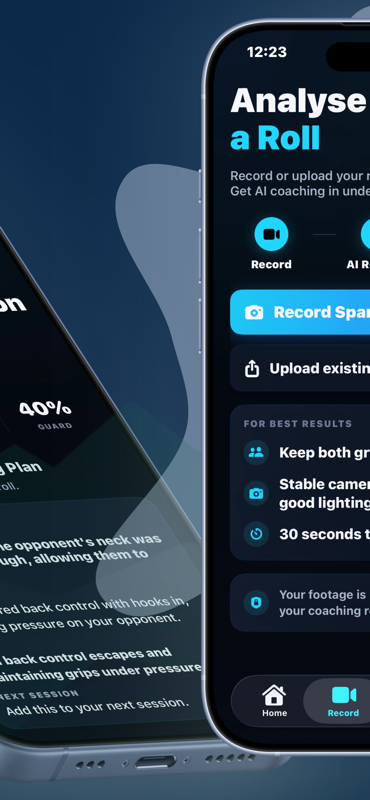
Record or upload a roll
Capture sparring in the app or upload existing footage when you are ready to analyse.
Workflow
BJJ Vision AI takes a recorded or uploaded sparring round, reviews selected frames, and returns positional context with coaching priorities for your next session.
Step 01
Capture sparring in the app or upload existing footage when you are ready to analyse.
Step 02
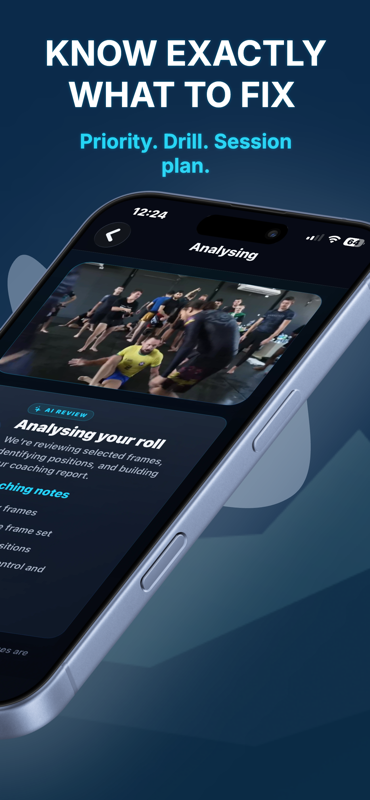
Selected frames are analysed to identify positions, transitions and key moments. Your full video generally stays on your device.
Step 03
Open coaching notes, positional context and drills you can take into the next session.
Analysis quality depends on what the camera can see. For best results:
Your full video generally stays on your device. Read how footage privacy works. Prefer a manual review method first? See how to analyse BJJ sparring footage and building a film study habit.